
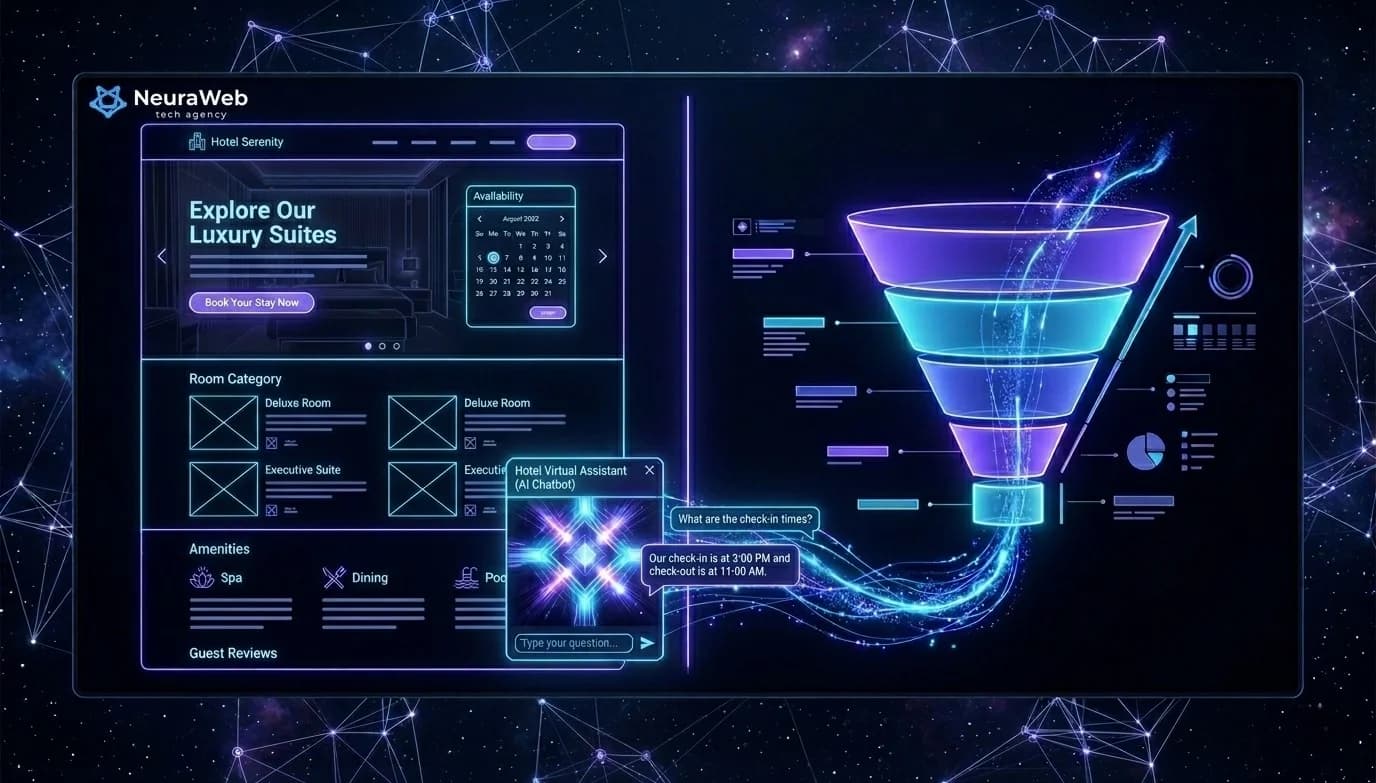
A website receiving 1,000 visitors per month converting at 0.8% generates 8 contacts. The same site, enriched with 3 well-placed AI layers, can reach 2.5 to 3% conversion — that's 25 to 30 contacts, without touching your advertising budget. In 2026, AI is no longer about "looking modern": it qualifies your visitors, responds to them instantly, and pushes the right message at the right moment. Here are the 7 concrete implementations, ranked by their impact on your revenue.
À retenir — Key Takeaways
- Conversion impact: 0.8% → 2.5–3% with 3 AI layers = 8 → 25–30 contacts/month for 1,000 visitors, without touching the ad budget
- Chatbot: 0% → 100% response in <30 seconds, +47% qualified leads, -38% cost per qualified lead
- Dynamic personalisation: +23% overall conversion, +34% engagement (scroll depth)
- Enriched form: lead processing 8h → <20 min, +28% closing rate on inbound leads
- AI retargeting: recover the 73% of visitors who leave without converting via behavioural targeting by page visited
- Stack: Claude/GPT-4o (LLM) + n8n (orchestration) + Next.js (native integration) + HubSpot/Pipedrive (CRM)
1. The Qualification Chatbot: Your Sales Rep Available 24/7
Most visitors who leave a website do so for a simple reason: they had a question and nobody answered.
A well-configured AI chatbot — not a rules-based bot from 2018 — understands context, identifies the need in 2 to 3 exchanges, and guides toward the right action: filling out a form, booking a meeting, viewing a product page.
Across the projects we deploy at Neuraweb, results are consistent:
The chatbot connects to your CRM (HubSpot, Pipedrive) and automatically creates the contact record as soon as a visitor leaves their email.
Recommended stack: Claude or GPT-4o as the LLM engine, n8n for orchestration, native integration into your Next.js site.
2. Dynamic Personalization: The Right Message for Each Visitor
Your homepage displays the same text to everyone. A visitor arriving from a LinkedIn ad targeting hotel owners sees exactly the same hero section as an industrial manager who typed "web agency" into Google.
AI changes this in real time.
Concretely: based on the entry source, detected industry, or browsing behavior, your key section content adapts. A visitor who views your service pages twice sees a "Let's talk about your project" panel appear where others see an FAQ section.
Measured impact: +23% overall conversion, +34% engagement (scroll depth) on projects where we integrated this layer.
3. The Intelligent Content Assistant: Answer Visitors Before They Ask
AI can analyze in real time the questions your visitors are asking — by reading their behaviors: pages visited in what order, time spent on each section, back-navigation.
From these signals, a recommendation module suggests the next relevant resource: a case study in the visitor's industry, a technical guide adapted to their maturity level, a price estimate if behavior indicates an imminent purchase intent.
This is the difference between a static site and one that "reads" its visitors.
4. The AI-Enriched Contact Form
Classic contact forms collect a name, an email, a message. AI can make this form work much harder.
Before the visitor even clicks "Send", a scoring system analyzes:
Your sales rep then receives a lead with a score, a context summary, and an approach suggestion — not just a raw email to process cold.
Field result: lead processing time reduced from 8 hours to under 20 minutes. Closing rate on inbound leads: +28%.
5. AI Retargeting: Recovering the 73% Who Leave Without Converting
73% of your visitors leave your site without leaving contact details. Without a system, they're gone.
Contextual AI retargeting changes this: it precisely identifies which page each visitor consulted, combines that with behavioral data, and triggers highly targeted ads on Google and Meta — with the right message, at the right time, for the right person.
A visitor who spent 4 minutes on your "Automation" page doesn't see the same ad as a visitor who bounced from the homepage after 15 seconds.
| Monthly ad budget | Estimated additional revenue |
|---|---|
| €300 | €2,000 – €4,000 |
| €600 | €4,000 – €8,000 |
6. Predictive Analytics: Knowing When to Call a Lead
76% of B2B deals are lost not because the prospect didn't want to buy — but because the sales rep contacted them too early, too late, or with the wrong angle.
An AI scoring system analyzes 15 to 30 behavioral signals on your site to predict, with 73 to 85% accuracy, when a lead is ready to be approached.
When the score crosses the defined threshold, your sales rep receives a Slack notification with full context: pages visited, time spent, questions asked to the chatbot, resources downloaded.
No more blind prospecting. No more missed timing.
7. AI-Generated Dynamic FAQ: Capturing Featured Snippets
The static FAQ is dead. Visitors ask questions in natural language — exactly as they do on ChatGPT or Perplexity. If your site answers these questions in the right format, Google positions you in featured snippets.
An AI dynamic FAQ evolves in real time based on the actual questions asked to your chatbot. The 10 most frequent questions automatically surface in a visible FAQ section, tagged in JSON-LD for rich snippets.
Result: strengthened organic visibility, reduced bounce rate, and content that stays always relevant without manual maintenance.
Where to Start? The 30-Day Method
No need to implement everything at once. Here's the order that generates the fastest ROI:
``
Weeks 1–2 → Qualification chatbot + enriched form
Weeks 3–4 → Dynamic FAQ + predictive scoring
Month 2   → Dynamic personalization + AI retargeting
Month 3   → Data analysis + continuous optimization
At 90 days, your site works for you with human supervision reduced to high-value decisions only.
---
Further Reading
At Neuraweb, we support SMBs through this transformation from A to Z: audit of the existing site, AI layer development, CRM integration, and sales team training. If you want to know which of these 7 components apply to your specific situation, we can discuss it in 30 minutes — free audit at neuraweb.tech →
FAQ
Do I need to rebuild my entire website to integrate AI?
No. Most AI integrations (chatbot, dynamic FAQ, enriched form) plug into an existing site via APIs and scripts. A complete rebuild is only necessary if your site is too slow or poorly structured to support these technical layers.
What budget should I plan for an AI-augmented website?
The budget ranges from €1,500 to €6,000 in initial investment depending on the chosen components, with a monthly cost of €100 to €400 for tools and maintenance. ROI is generally achieved within 2 to 4 months from leads generated.
Will visitors realize they are interacting with an AI?
That depends on the level of transparency you want to display. In all cases, the experience is designed to be natural and non-intrusive. Some clients clearly label it ’AI Assistant’; others integrate the module as a simple contact tool.
Do these solutions work for all industries?
Yes. The implementations described work equally well for service agencies, consulting firms, hotels, or B2B e-commerce. Only the chatbot and scoring configuration changes depending on the business context.
How long does it take to see the first results?
The chatbot and enriched form produce results within the first few weeks. Dynamic personalization and predictive scoring generally require 30 to 60 days of data to reach full effectiveness.